The current look of my blog
Since I was a teen, I’ve dabbled in graphic design. That is including of course web design. This blog has already used at least four different looks that I’ve coded. I’m never satisfied with any of them, so I keep trying.
This time I decided to lean into “changing”. I designed a simple site where the colours are chosen at random on each page load (you’re seeing one of fourteen combinations). I find that this suits the nature of my blog: irregular, issued in bursts, never quite the same.
The palette is picked at page load by a small inline script. You get what you get. The background is always darker and desaturated; the foreground is always bright and punchy. The combinations are chosen for tension rather than harmony: indigo against coral, espresso against lime, scarlet against cyan.1
(function () {
    var palettes = [
        { bg: "#2f2d76", fg: [255, 117, 125] }, // indigo / coral
        { bg: "#1e3b2a", fg: [255, 178,  80] }, // forest / amber
        { bg: "#3b1f38", fg: [100, 210, 190] }, // plum / teal
        { bg: "#1a2d3d", fg: [255, 200,  80] }, // navy / gold
        { bg: "#2e1414", fg: [100, 210, 140] }, // crimson / mint
        { bg: "#1f1f3a", fg: [255, 155, 100] }, // midnight / peach
        { bg: "#2d3818", fg: [220, 120, 200] }, // olive / fuchsia
        { bg: "#38281a", fg: [130, 180, 255] }, // caramel / cornflower
        { bg: "#0f2625", fg: [255, 115, 145] }, // deep teal / rose
        { bg: "#1e1412", fg: [215, 240,  70] }, // espresso / lime
        { bg: "#241428", fg: [100, 225, 155] }, // violet / emerald
        { bg: "#3b1010", fg: [  0, 215, 200] }, // scarlet / cyan
        { bg: "#1a2110", fg: [255,  70, 148] }, // moss / hot pink
        { bg: "#2a1234", fg: [185, 255,  55] }, // aubergine / chartreuse
    ];
    var p = palettes[Math.floor(Math.random() * palettes.length)];
    var r = document.documentElement;
    r.style.setProperty("--bg", p.bg);
    r.style.setProperty("--fg", "rgb(" + p.fg.join(",") + ")");
    r.style.setProperty("--fg-r", p.fg[0]);
    r.style.setProperty("--fg-g", p.fg[1]);
    r.style.setProperty("--fg-b", p.fg[2]);
})();
Typography follows the same logic of controlled contrast. Fraunces for headings, JetBrains Mono Recursive Mono (Linear) for body text. I decided to use a third typeface2 for the site title only, a slab serif that sits between the two. I took major visual inspiration from oak.is.
Images get a halftone treatment: a CSS filter stack converts any photo into a grid of dots that picks up the current page colours. Hover to dissolve the effect and see the original. It is deliberately lo-fi, and it keeps images from feeling like foreign objects dropped into a text-first layout. The technique is adapted from Scott Vandehey’s CSS halftone filter, inverted for dark backgrounds and tinted with the palette colour.
The render hook wraps every Markdown image in the necessary markup:
<div class="img-figure">
  <div class="img-wrap">
    <div class="img-halftone">
      <img src="…" alt="…" title="…">
    </div>
  </div>
  <p class="img-caption">…</p>
</div>
And the CSS:
/* Outer wrapper: screen blend mode dissolves the black field into the page bg.
   The ::after pseudo-element overlays the fg colour via multiply,
   tinting the white dots to match the current palette. */
.post-content .img-wrap {
    position: relative;
    isolation: isolate;
    mix-blend-mode: screen;
}

.post-content .img-wrap::after {
    content: "";
    position: absolute;
    inset: 0;
    background: var(--fg);
    mix-blend-mode: multiply;
    z-index: 1;
    pointer-events: none;
    transition: opacity 0.1s ease;
}

/* Inner wrapper: owns the contrast filter + dot grid.
   radial-gradient #c0c0c0→#000 repeated at 7 px draws the dot pattern.
   The image in hard-light modulates dot size by brightness.
   contrast(2000%) thresholds the composite into crisp dots. */
.post-content .img-halftone {
    position: relative;
    overflow: hidden;
    filter: contrast(2000%);
}

.post-content .img-halftone::before {
    content: "";
    position: absolute;
    inset: -25%;
    z-index: -1;
    background: radial-gradient(circle at center, #c0c0c0, #000);
    background-size: 7px 7px;
    pointer-events: none;
}

.post-content .img-halftone img {
    display: block;
    width: 100%;
    height: auto;
    filter: grayscale(1) brightness(120%) contrast(40%) blur(1px);
    mix-blend-mode: hard-light;
}

/* Hover: strip all effects to reveal the original photo */
.post-content .img-wrap:hover { mix-blend-mode: normal; }
.post-content .img-wrap:hover::after { opacity: 0; }
.post-content .img-wrap:hover .img-halftone { filter: none; }
.post-content .img-wrap:hover .img-halftone::before { opacity: 0; }
.post-content .img-wrap:hover .img-halftone img { filter: none; mix-blend-mode: normal; }
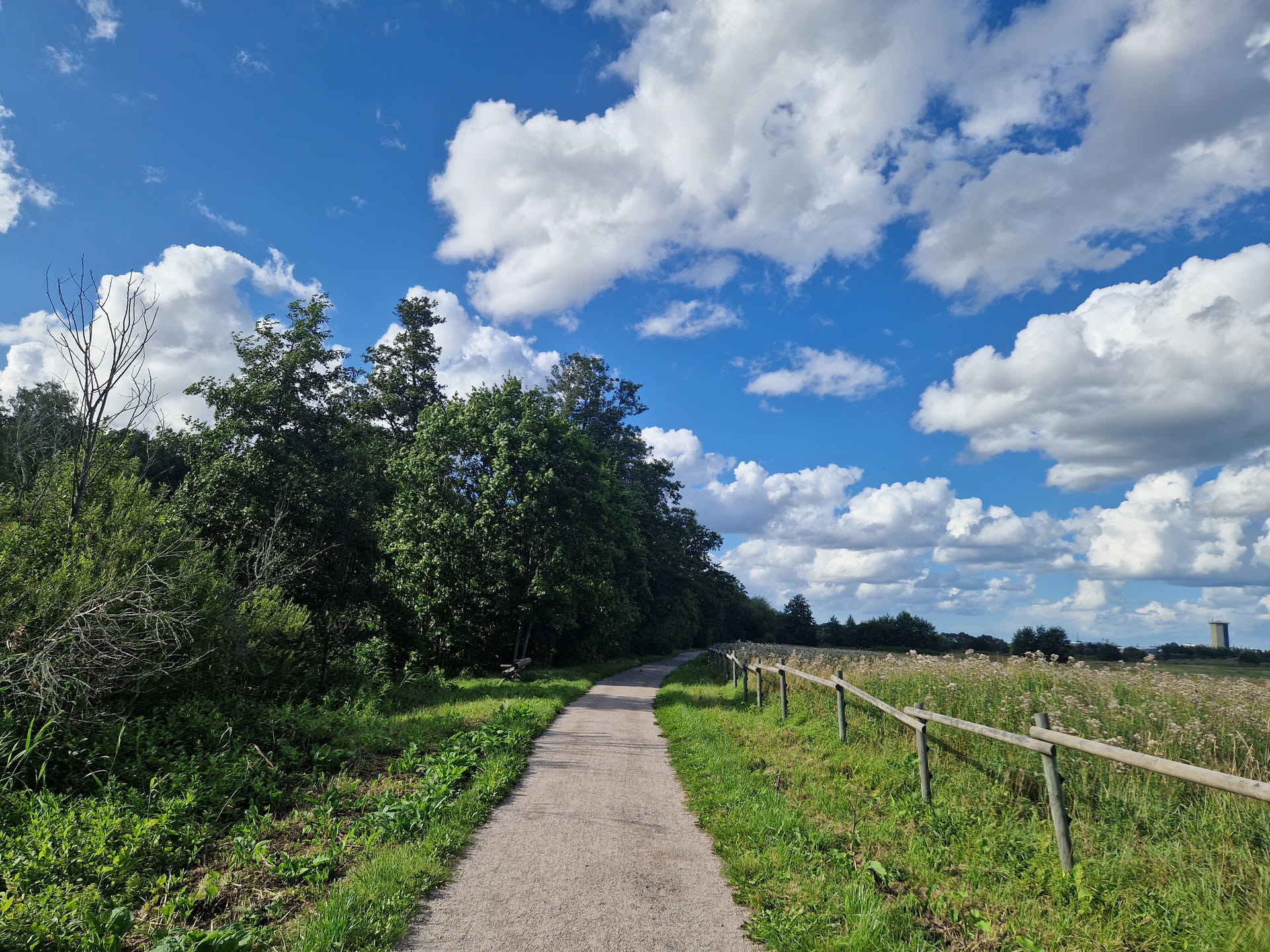
The halftone effect in the current palette — hover to see the original.
I’m calling the theme Chromata (for now…), the Greek plural of chroma. Feel free to check out the code on GitLab. I’ll be probably changing it.
Elements
What follows is a reference for how the typographic elements render in practice.
Heading 2
Heading 3
Heading 4
A paragraph of body text. The quick brown fox jumps over the lazy dog. This is a link, which inherits the foreground colour and gets a thin underline offset. Here is bold text for emphasis, italic text for a softer stress, and struck-through text for things that no longer apply. And inline code for short technical references.
I can also highlight a passage when I want something to stand out without raising the structural weight of a heading. For keyboard shortcuts: press Ctrl + K.
A blockquote sits indented and italic. Useful for passages I want to pull slightly out of the main text, or for quoting someone without giving them their own heading.
An unordered list:
- First item, no particular order
- Second item, equally valid
- Nested under the second
- Also nested here
- Third item, back at the top level
An ordered list:
- First step, which must come first
- Second step, which follows from it
- Third step, at which point you are done
A task list:
- Random colour palette on every load
- Halftone image treatment
- Margin notes on wide screens
- Self-hosted fonts (no need)
- Dark/light mode toggle (probably never)
A table:
| Element | Tag | Notes |
|---|---|---|
| Heading | h2–h4 |
Fraunces, optical size 9 |
| Body | p |
|
| Code block | pre > code |
0.85rem, tinted background |
| Blockquote | blockquote |
Italic |
| Table | table |
Full width, hairline borders |
A code block:
hugo new content posts/my-post/index.md
hugo server -D
With a language hint:
func main() {
    fmt.Println("hello")
}
A footnote reference3 renders as a margin note on wide screens, falling back to a list at the bottom on narrow ones.
-
The full set is: indigo/coral, forest/amber, plum/teal, navy/gold, crimson/mint, midnight/peach, olive/fuchsia, caramel/cornflower, deep teal/rose, espresso/lime, violet/emerald, scarlet/cyan, moss/hot pink, aubergine/chartreuse. ↩︎
-
Zilla Slab. ↩︎
-
Like this one. On a wide enough screen it should be floating in the right margin rather than down here. ↩︎